

Appearance
Authentication settings
Fine-tune how users sign in and what defaults your app uses.
To open these settings, go to the Data & API tab, open the Authentication subtab, then open the Settings tab.
Provider configuration
Open each provider you plan to support and complete its setup steps. You'll copy credentials from the provider into WeWeb and enable the provider when ready.
WeWeb Auth configuration
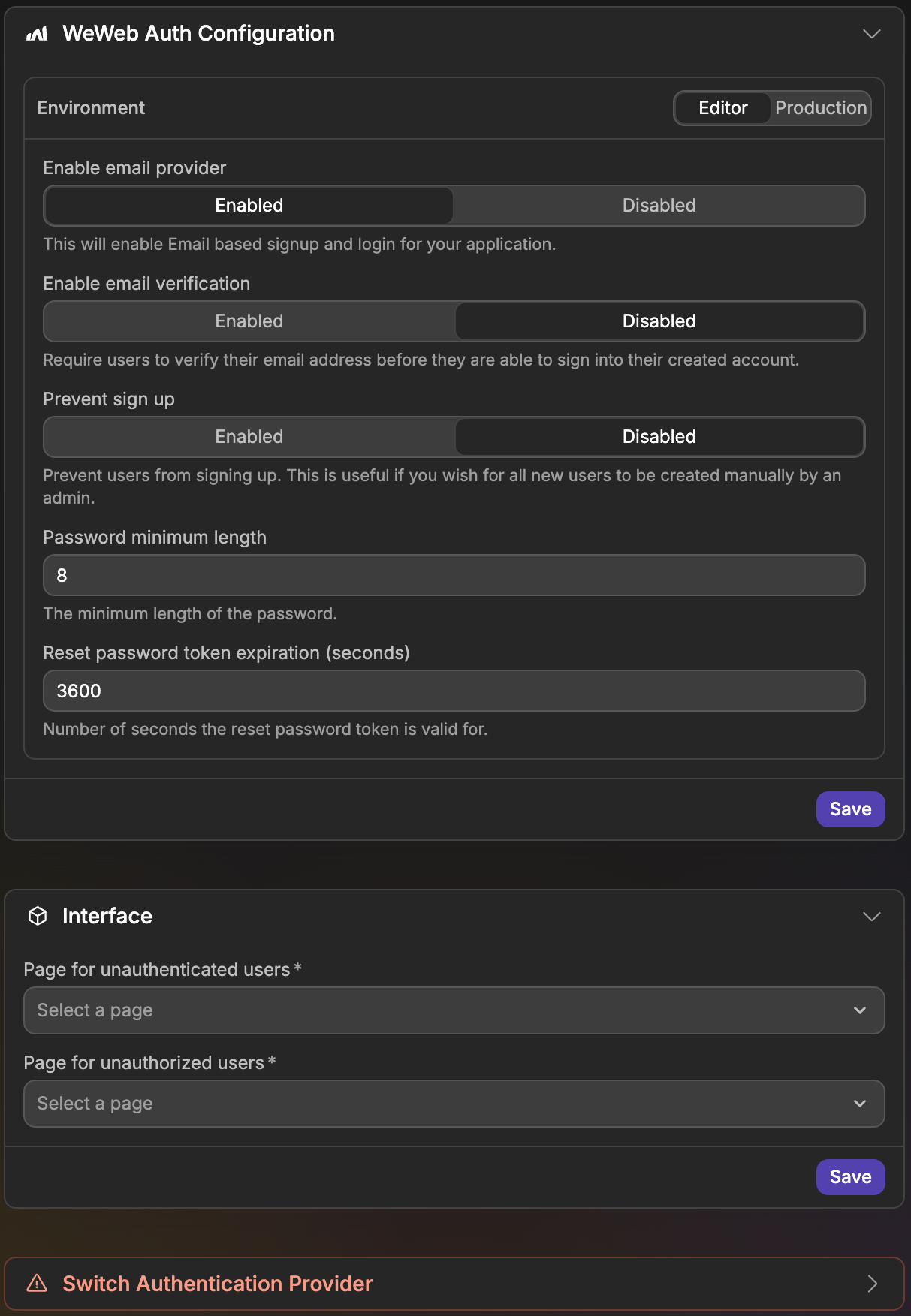
The WeWeb Auth Configuration section controls email and password sign in. Use the environment selector at the top of the section to choose which environment you are editing (for example Editor or Production), since each environment keeps its own values. Click Save when you are done.
Enable email provider— Turns sign up and sign in with email and password on or off.Enable email verification— Requires users to verify their email address before they can sign in.Prevent sign up— Stops users from creating accounts themselves. Use this when an admin creates every account.Password minimum length— The minimum number of characters a password must have. The default is8. This setting is hidden whenPrevent sign upis enabled.Reset password token expiration (seconds)— How long a password reset link stays valid. The default is3600(one hour).
The other settings only appear when Enable email provider is enabled.
Interface
The Interface section sets where WeWeb sends users who can't open a private page:
Page for unauthenticated users— Where users go when they open a private page without being signed in. This page can't be private itself.Page for unauthorized users— Where signed-in users go when they don't have the roles a page requires.
Switch authentication provider
The Switch Authentication Provider section lets you replace WeWeb Auth with another authentication system. This breaks existing workflows that use WeWeb Auth actions and cannot be undone automatically. If some of your tables have Link to Users columns, you need to remove them before you can switch.