

Appearance
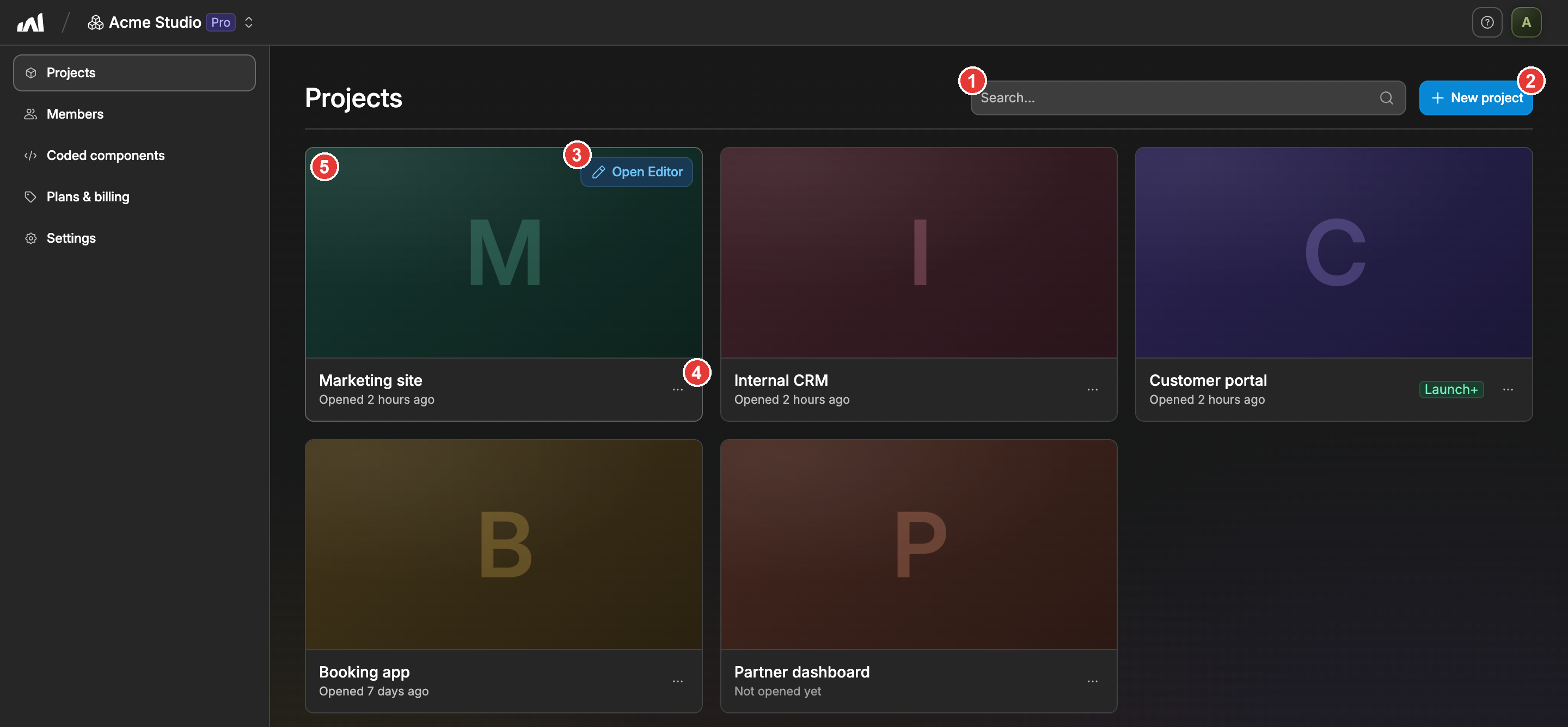
The Projects Tab
The projects tab is the first one you'll see when opening a workspace.
It's composed of all the apps (aka projects) that are part of this specific workspace.
Here, you can:
- Search for a specific project by its name
- Create a new project with the
New projectbutton - Open a project in the editor with the
Open Editorbutton, which appears when you hover its card - Rename or duplicate a project from the three dots on its card
- Click on a project's card to open its settings
Only workspace Admins and the Owner can create or rename projects.