

Appearance
Download CSV
Add the action
In an interface workflow, click Add an action and select Interface → Files → Download CSV.
WARNING
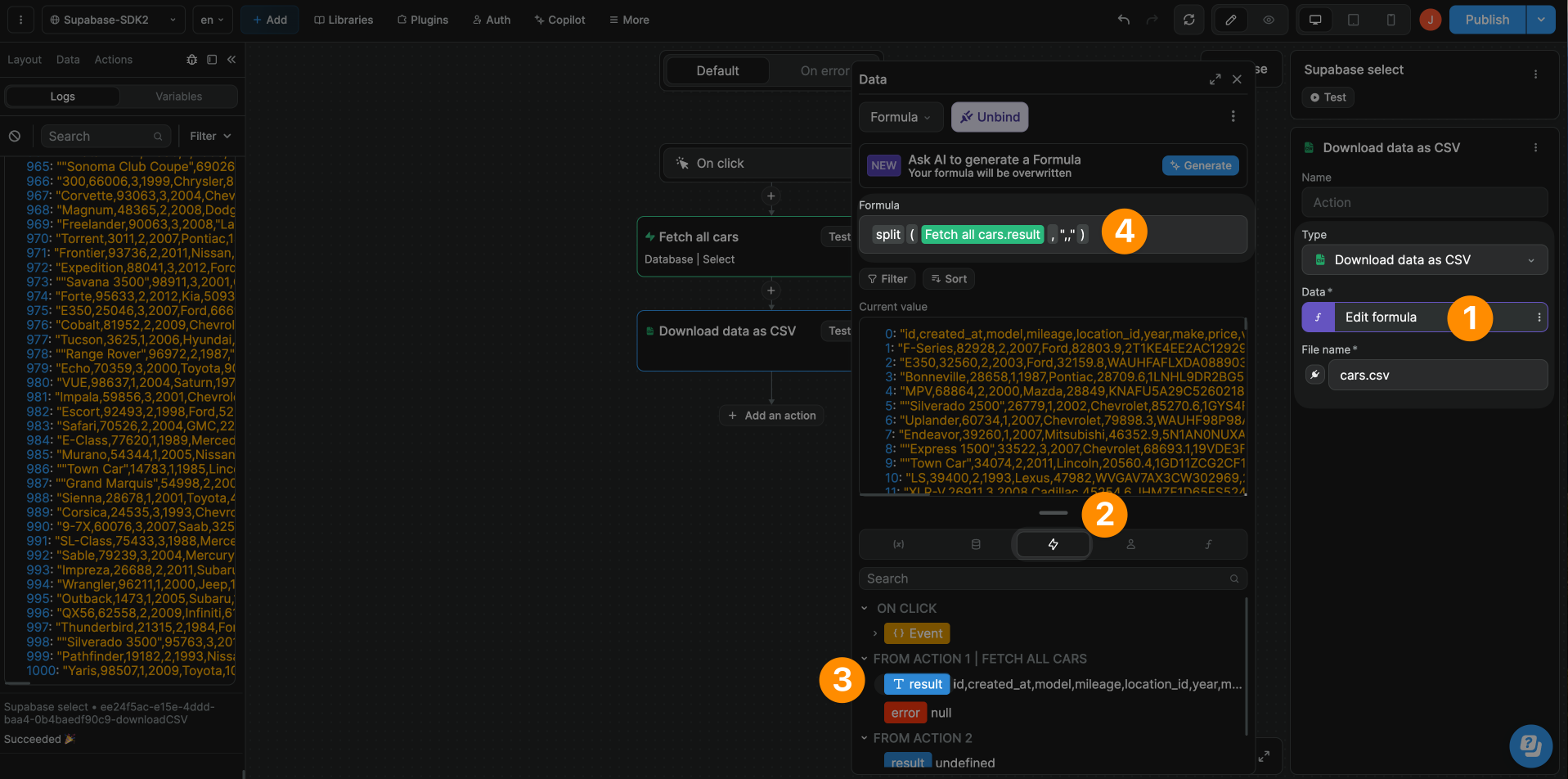
The Data field in the Download CSV action expects an array of items, even if there's only one item in the list.
In the example above, we used a split formula to separate rows and bind the Data to an array.